How To: Login / Register an account
A Huff account is created at Huff and is not linked to your Apple or Play Store account ( although sometimes it’s the same email address )
Generally, you can use the Huff app just fine without ever creating an account. Your purchases are tied to your phone account ( e.g Apple App Store or Google Play Store
A Huff account is needed for the following:
- Syncing of your session data across devices
- Backup of your session data
- Newsletter subscription
- Subscription sharing ( across your own devices )
An email address is the only requirement for a Huff account
Watch a quick video on creating an account or read instructions below:
Login / Creating an account
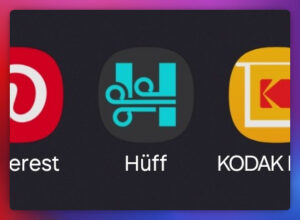
1. Open the Huff App. Our icon generally looks like this:
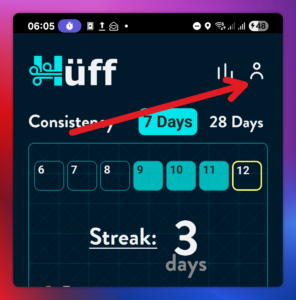
2. Press the Person Icon in the very top right of the Huff app
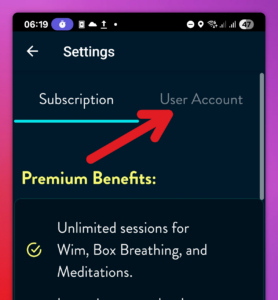
3. Press User Account
4 Enter your email address, and press continue
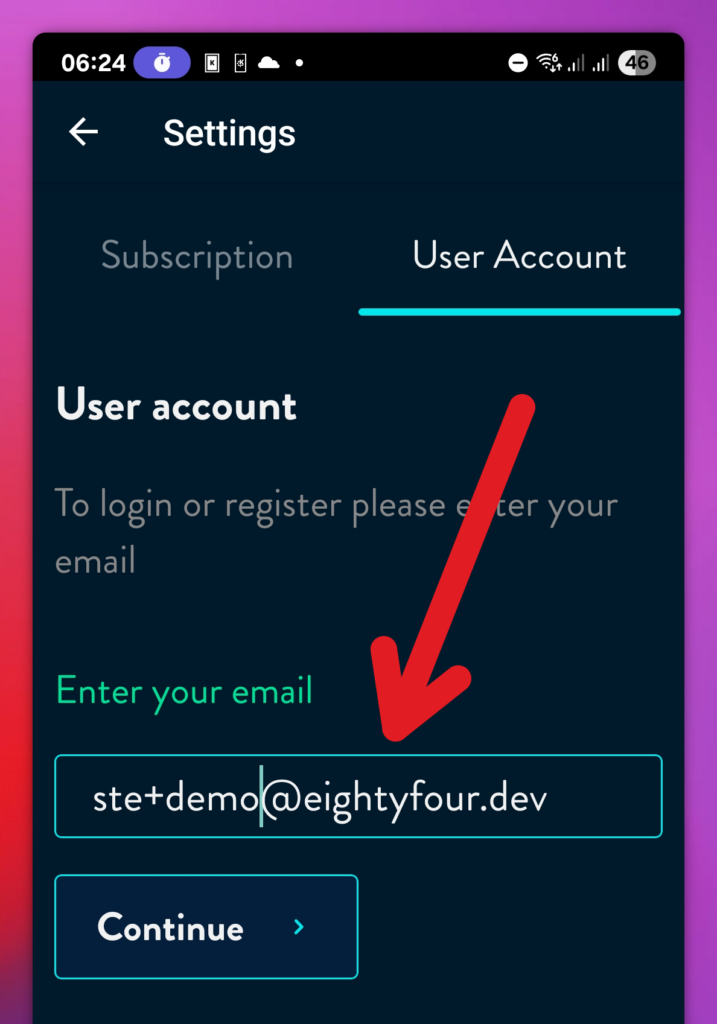
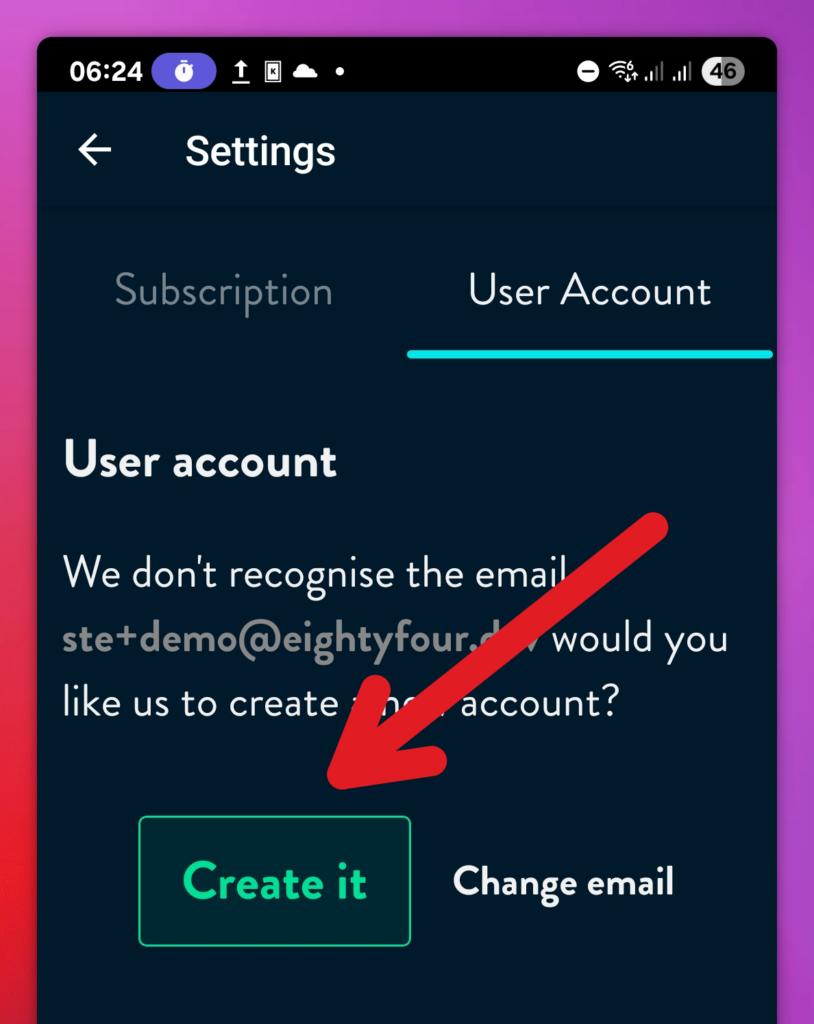
5. If this is a new account, you will see the screen below. Press Create account to register a new account
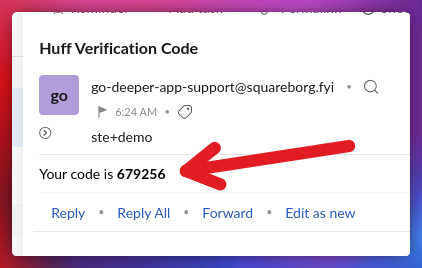
6. Check your email for a code ( Check your spam folder too ). The code arrives within 1 minute
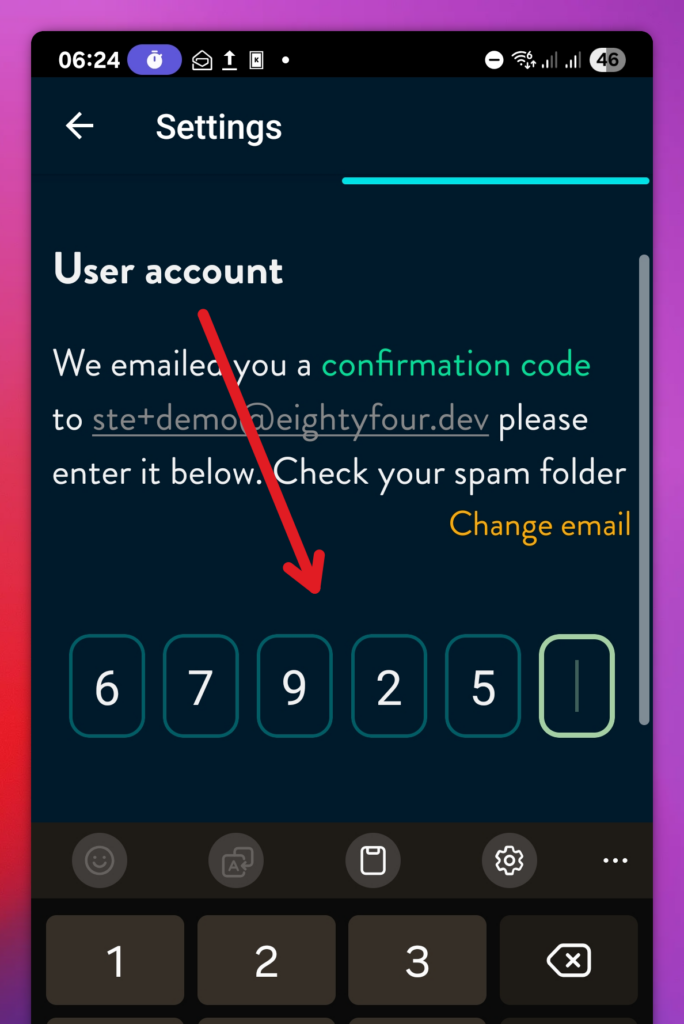
7 Enter your code back in the Huff App
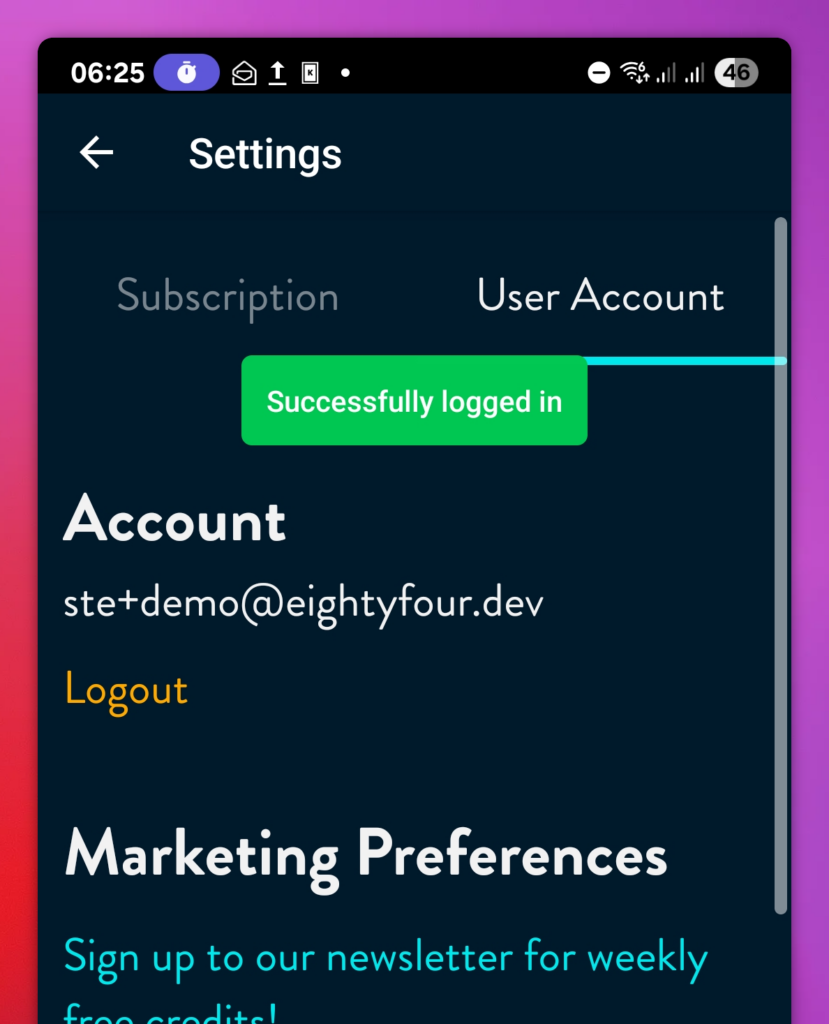
8. You’re done, you’re now logged in